WhatsApp for Salons: Book More Clients on Autopilot (2026)
Part of WhatsApp for Business: The Complete Guide
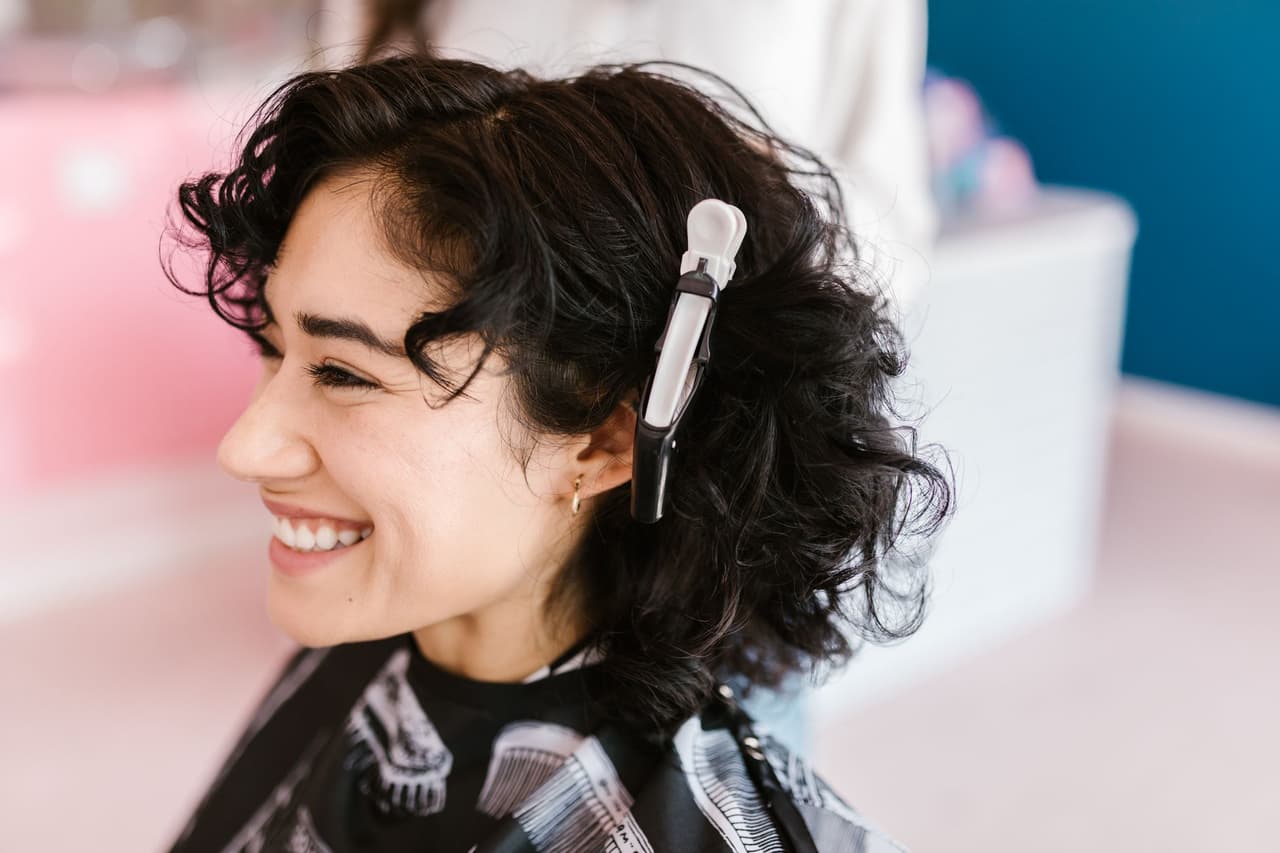
In a salon, every minute you spend answering the phone is a minute your hands are off a client — and every call you miss while mid-cut is a booking that may go to the salon down the road. WhatsApp fixes this beautifully: clients book and ask questions by message, and with the right setup it all happens automatically, even while you're busy in the chair. Here's how salons and spas use WhatsApp to fill the calendar and cut no-shows.
Why WhatsApp is perfect for salons
Salon booking is high-friction on most channels: phone calls interrupt your work, booking apps make clients download and sign up, and forms feel like effort. WhatsApp removes all of it — clients message you like they'd message a friend, on an app they already have open all day. For a salon that means:
- Bookings without interrupting your work — no stopping mid-blow-dry to grab the phone.
- After-hours capture — clients often decide to book in the evening; WhatsApp catches them.
- Fewer no-shows — reminders that actually get read.
- A personal touch — the warm, chatty channel suits a beauty business.
Take bookings by message
Instead of phone tag, let clients book in a chat. At the simplest level, set a greeting message that asks for what you need:
"Hi! 💇 Welcome to [Salon]. Tell us the service you'd like and your preferred day, and we'll get you booked in."
Then confirm the slot with the service, stylist, date, and time in one clear message. This alone beats missed calls. But it still depends on you being free to reply — which, in a salon, you often aren't. That's where automation comes in.
Answer every question instantly — even mid-appointment
Clients ask the same things constantly: "How much for a cut and colour?", "Do you do balayage?", "Are you open Saturday?", "How long does it take?" Answering these while your hands are busy is impossible — so they wait, and some book elsewhere.
An AI receptionist connected to your WhatsApp answers all of them instantly, 24/7, from your own price list and services — even understanding a voice note from a client describing what they want. You never stop working; every client gets an immediate, accurate reply. It's like having a receptionist at the front desk who never leaves.
Fill the calendar automatically
The real magic is automated booking. An AI receptionist can:
- Read the client's request — "Can I get a cut and blow-dry Friday afternoon?" (typed or spoken).
- Take the details — service, day and time, name.
- Pass the booking to you to confirm in one tap; the client is told straight away.
- Send a reminder before the appointment when WhatsApp allows a free message.
All inside WhatsApp, all without you pausing between clients. A booking requested at 10pm is waiting for your one-tap confirmation in the morning — with the client's details already taken. See how WhatsApp appointment booking works end to end.
Cut no-shows with reminders
No-shows are a salon's silent profit leak — an empty chair you can't refill last-minute. WhatsApp is the best channel to fight them because reminders there actually get read:
- Send a reminder the day before ("Reminder: your colour appointment is tomorrow at 2pm with Aisha. Reply to change it.").
- Make rescheduling easy — a client who replies "can we move to 3?" is far better than one who vanishes.
- Confirm on booking so there's no confusion about when.
Reminders sent this way can meaningfully reduce no-shows — money straight back in your pocket.
Rebooking and quiet-day fillers
WhatsApp also helps you keep chairs full:
- Rebooking nudges — a friendly message when a regular is due for their next appointment (to opted-in clients).
- Last-minute slots — let clients know when a cancellation opens a spot.
- Promotions — quiet-Tuesday offers to your regulars (sparingly, and only to those who opted in — mind the 24-hour rule and messaging policies).
The takeaway
For salons, WhatsApp turns bookings and questions into effortless messages — no interrupted appointments, no missed after-hours enquiries, and far fewer no-shows. Set up a booking-focused greeting, then let an AI receptionist answer every question and book every client automatically, 24/7, even while your hands are busy. The result is a fuller calendar and a front desk that runs itself. Try ChatMunshi free and let your salon's WhatsApp book clients on autopilot.
Frequently asked questions
How can salons use WhatsApp to get more bookings?
Let clients book by messaging instead of calling: share your services and availability, confirm appointments in the chat, and send reminders. With an AI receptionist connected to your WhatsApp, clients can book 24/7 — even while you're with someone in the chair — and it answers prices and availability instantly.
How does WhatsApp reduce salon no-shows?
Appointment reminders sent on WhatsApp the day before get read far more than emails or texts, and make it easy for clients to reply and reschedule instead of just not showing up. Automated reminders via the WhatsApp Business API can cut no-shows significantly.
Can WhatsApp book salon appointments automatically?
Yes. An AI receptionist reads each client's request — even a voice note — takes the service, day and time, and passes the booking to you to confirm in one tap, all inside WhatsApp and without you stopping mid-appointment. It can also send a reminder when WhatsApp allows a free message.
Is WhatsApp better than a booking app for salons?
For many salons, yes — clients don't have to download anything or create an account; they just message like they message friends. WhatsApp removes the friction that stops people booking, and paired with an AI receptionist it handles bookings and questions automatically.