How to Set Up a WhatsApp Appointment Booking System (2026)
Part of WhatsApp for Business: The Complete Guide
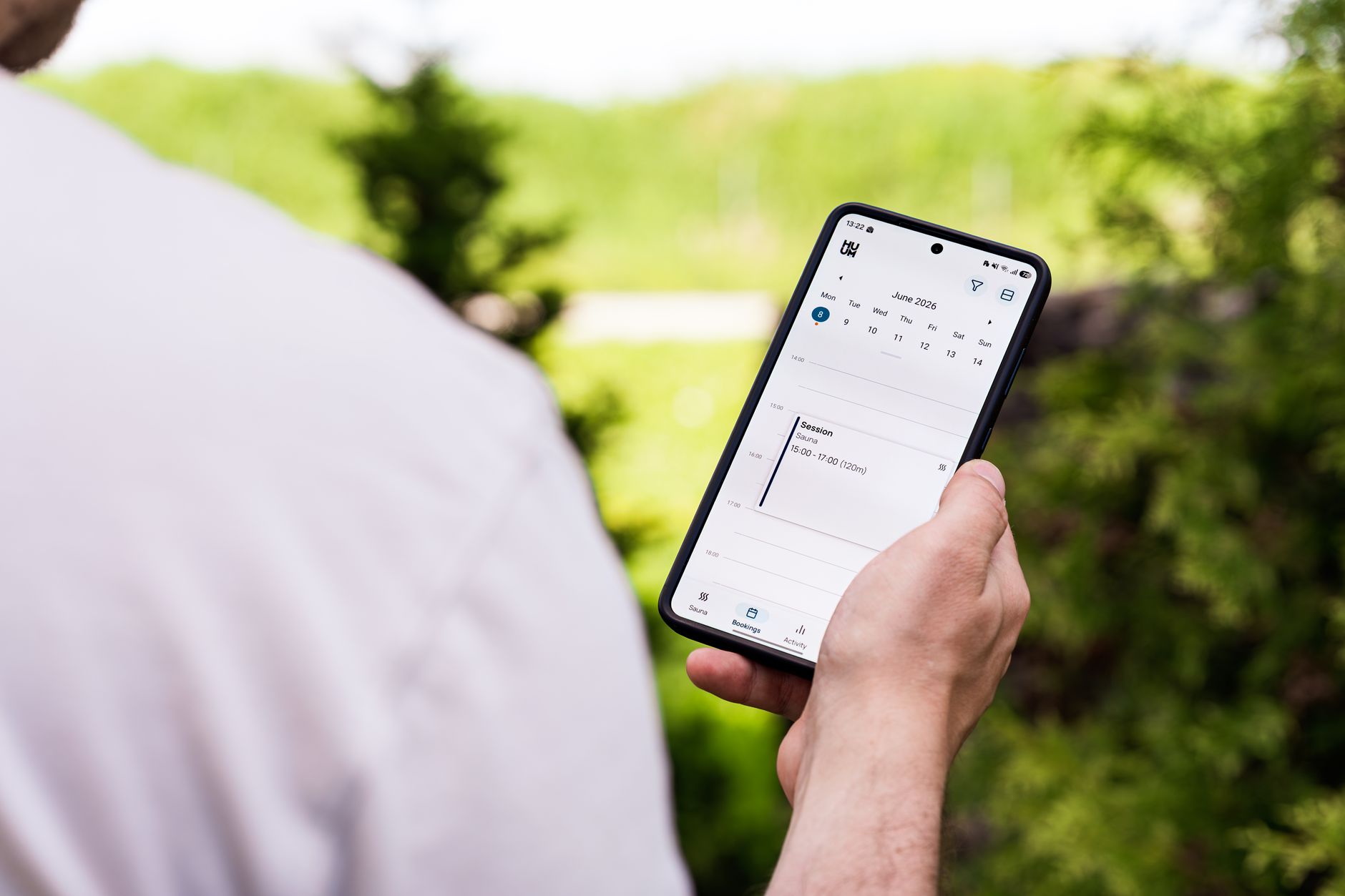
Your customers are already trying to book through WhatsApp — "Can I come in Friday afternoon?" — you just might be handling it slowly, missing some, and losing others to no-shows. WhatsApp is where people want to book, so the smart move is to turn it into a proper appointment booking system. Here are the three ways to do it, from manual to fully automated, and how to stop no-shows once bookings roll in.
Why WhatsApp is ideal for bookings
Booking by WhatsApp beats a form or a phone call for one reason: it's where your customers already are. There's no app to download, no account to create, no hold music. They send a message like they would to a friend, and — if you set it up right — they walk away with a confirmed slot. The friction that kills bookings on websites (forms, logins, callbacks) simply isn't there.
The only thing standing between you and more bookings is how fast and how automatically you can turn "can I come Friday?" into a confirmed appointment. Let's look at the three levels.
Level 1: Manual booking (better than nothing)
The starting point most businesses are already at — replying by hand — but made faster and more consistent:
- Set a greeting message that asks for exactly what you need: "Tell us the service and your preferred day, and we'll confirm your slot."
- Save quick replies for your common responses (availability, confirmation, address) so you're not retyping.
- Confirm clearly with date, time, service, and location in one message so nothing's ambiguous.
This works, but it has a hard ceiling: it depends on you being available to reply. Bookings requested at night or while you're with a client wait — and some walk. It also doesn't scale past a certain volume, and a team sharing the number risks double-booking.
Level 2: Booking links (semi-automated)
The next step is sharing a booking link to a scheduling tool (Calendly-style calendars, or a booking system for your industry). The customer messages you, you send the link, they pick a slot:
- Customers see real-time availability and self-serve.
- Bookings drop straight into your calendar.
- Fewer back-and-forth "how about 3pm? no, 4?" messages.
The trade-off: you still have to send the link, and you push the customer out of the chat into another interface — where some drop off. It's a solid middle ground, but it's not seamless, and it doesn't help with voice notes or after-hours requests unless paired with automation.
Level 3: AI-powered booking (fully automated)
The most seamless option keeps everything inside the chat and needs zero effort from you. An AI receptionist connected to your WhatsApp number:
- Reads the request — even a voice note, in any language: "Hi, do you have anything Friday afternoon for a colour?"
- Takes the details — service, day and time, name — and never promises a slot it can't see.
- Passes the booking to you to confirm in one tap; the customer is told straight away, with your deposit link if you take deposits.
- Reminds the customer before the appointment when WhatsApp allows a free message — and tells you when it doesn't.
All of it happens 24/7, in the conversation, without the customer leaving WhatsApp or you lifting a finger. A booking requested at midnight is confirmed at midnight. That's the difference between capturing demand the moment it appears and hoping it's still there when you wake up. See how an AI WhatsApp assistant handles the whole flow.
Which level is right for you?
| Your situation | Best option |
|---|---|
| Very low volume, you're always on your phone | Manual, with saved quick replies |
| Steady bookings, you use a calendar tool | Booking links |
| After-hours requests, voice notes, or you're often busy | AI-powered booking |
| A team + high volume | AI booking + a shared inbox |
Most appointment-based businesses — salons, clinics, tutors, trades — lose the most bookings after hours and while serving other customers, which is exactly when levels 1 and 2 fail and level 3 shines.
How to cut no-shows
Taking the booking is half the battle; keeping it is the other half. No-shows quietly drain appointment businesses. WhatsApp is one of the best channels to fight them because reminders actually get read:
- Send a reminder the day before (via approved API template messages) — "Reminder: your appointment is tomorrow at 3pm. Reply to change it."
- Make rescheduling easy — a customer who can reply "can we move to 4?" is far better than one who just doesn't show.
- Confirm on booking with all details so there's no confusion about when.
An AI booking system can schedule these reminders automatically once the customer opts in, closing the loop from request to reminder without any manual work.
WhatsApp booking looks a little different by industry — see our guides for salons, clinics and dentists, gyms and studios, and tutors.
The takeaway
You can turn WhatsApp into a real appointment booking system at three levels: manual with quick replies, semi-automated with booking links, or fully automated with an AI receptionist that reads requests (even voice notes), offers slots, books them, and sends reminders — 24/7. Since most bookings are lost after hours and during busy periods, automation captures demand you're currently missing. Add day-before reminders to cut no-shows, and WhatsApp becomes the easiest, highest-converting way you take appointments. Try ChatMunshi free to let AI book your customers around the clock.
Frequently asked questions
Can you book appointments through WhatsApp?
Yes. Customers can request appointments in a WhatsApp chat, and you can confirm manually, share a booking link, or use an AI receptionist that takes the whole request in the chat and passes it to you to confirm in one tap — all inside WhatsApp.
How do I set up appointment booking on WhatsApp Business?
Start simple: add quick-reply templates and a greeting that asks for the service and preferred time. To automate, connect your number to an AI receptionist or a booking tool that shares real-time availability and confirms bookings without you replying manually.
Can WhatsApp send appointment reminders?
Yes, via the WhatsApp Business API using approved template messages. Reminders sent the day before an appointment significantly cut no-shows. An AI booking system can schedule these automatically once the customer opts in.
What's the easiest way to take bookings on WhatsApp?
An AI receptionist is the easiest hands-off option: it reads the customer's request (even a voice note), asks for anything missing, and passes the booking to you to confirm in one tap — the customer is told the moment you do. Everything except your one tap happens automatically, 24/7.