WhatsApp for Event Planners: Book & Coordinate With Ease
Part of WhatsApp for Business: The Complete Guide
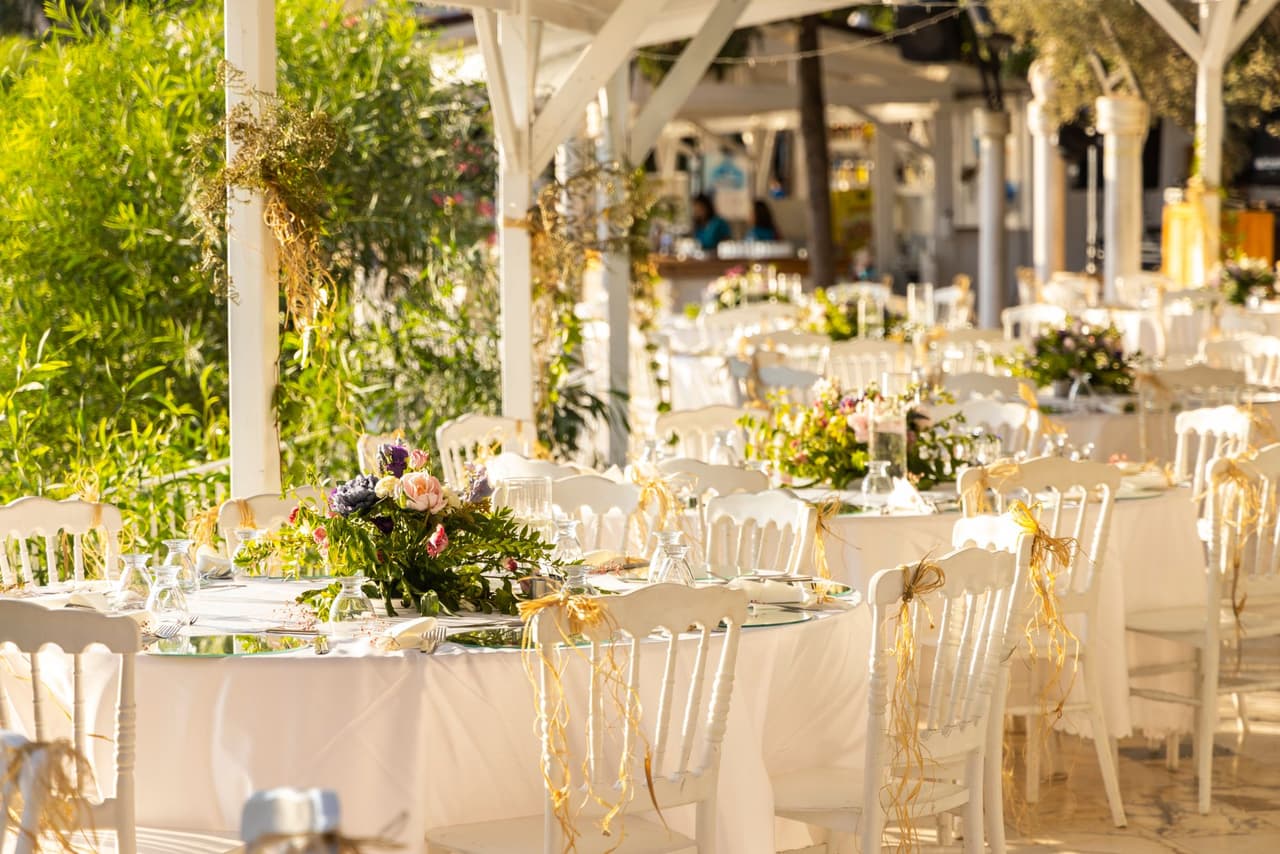
Event planning is a whirlwind of communication — enquiries, proposals, moodboards, vendor coordination, and last-minute changes, often while you're mid-event and can't pick up the phone. WhatsApp is built for this: visual, fast, and all in one thread. Here's how event planners use it to win bookings, share ideas, and keep every client and vendor in sync.
Why WhatsApp fits event planning
Few businesses are as communication-heavy and visual as events. WhatsApp suits it perfectly:
- It's visual — send photos, videos, moodboards, and documents in seconds.
- It's real-time — confirm a detail or share an idea instantly.
- It's one thread — the whole conversation with a client or vendor in one place, easy to find.
- It gets read — crucial when timing matters on the run-up to an event.
For planners juggling multiple events and dozens of moving parts, that immediacy and organization is invaluable.
Win enquiries even when you're on-site
Couples and clients planning an event contact several planners and book the one who responds fastest and most helpfully. But planners are often at an event exactly when new enquiries arrive — unable to reply, and losing bookings to whoever answers first.
An AI receptionist solves this: it answers enquiries instantly, 24/7 — services, availability, pricing ranges, your process — and captures the details of new leads (event type, date, guest count, budget range) for you to follow up. So while you're running a wedding, the next booking is being captured and qualified automatically. See lead generation for the full approach.
Share proposals, moodboards, and ideas
Once you're in conversation, WhatsApp is a superb medium for the creative back-and-forth:
- Moodboards and inspiration — send images and let clients react in the moment.
- Proposals and quotes — share as documents right in the chat.
- Venue and vendor photos/videos — help clients visualize.
- Voice notes — explain a concept warmly when typing won't do.
Everything lives in one thread, so nothing gets lost across scattered emails.
Book consultations without the back-and-forth
Turning interest into a booked consultation or venue visit is where planning begins. Rather than endless "does Tuesday work?" messages, clients can message and have a consultation offered and confirmed directly — see appointment booking. The same flow handles reminders so nobody misses a planning meeting.
Coordinate clients and vendors on the day
On event day, WhatsApp becomes your command centre. Quick messages and voice notes keep vendors, the venue, and the client aligned in real time — confirming arrivals, timings, and last-minute tweaks without a single phone call that pulls you away from the floor. That real-time coordination is what keeps events running smoothly when the schedule is tight.
Keep every client feeling looked after
Events are emotional and high-stakes for clients, and responsiveness builds the trust that earns referrals. Timely, warm WhatsApp communication — answering questions quickly, sharing updates, reassuring nervous clients — makes you feel present and reliable throughout the process. And with an AI receptionist covering first response, no client is ever left waiting, even when you're flat out delivering someone else's big day.
The takeaway
For event planners, WhatsApp is the ideal channel: visual, real-time, and all in one thread — perfect for winning enquiries, sharing proposals and moodboards, booking consultations, and coordinating clients and vendors on the day. Let an AI receptionist capture and answer enquiries 24/7 so you never lose a booking while you're mid-event, and use WhatsApp's immediacy to keep every client feeling looked after. Try ChatMunshi free and give your event business a front desk that works while you do.
Frequently asked questions
How can event planners use WhatsApp?
Event planners use WhatsApp to respond to enquiries fast, share proposals, moodboards, and photos, book consultations, and coordinate with clients and vendors in real time. An AI receptionist can answer initial questions and capture enquiry details 24/7, so no potential booking is missed while you're busy running an event.
Why is WhatsApp good for event planning?
Event planning is visual, fast-moving, and communication-heavy. WhatsApp handles photos, videos, documents, and voice notes in real time, keeps every conversation in one thread, and gets read instantly — ideal for sharing ideas, confirming details, and coordinating vendors and clients on the day.
Can WhatsApp help me get more event bookings?
Yes. Couples and clients contact several planners and book the one who responds fastest and most helpfully. Answering enquiries instantly on WhatsApp — even while you're at an event — and capturing the details for follow-up wins more bookings before prospects move on.
Can an AI handle event enquiries while I'm working an event?
Yes. When you're on-site and can't reply, an AI receptionist answers common questions (services, availability, pricing ranges, process) and captures new enquiry details automatically, so leads that arrive during a busy event still get an instant, professional response.