7 WhatsApp Chatbot Examples That Actually Work (2026)
Part of WhatsApp for Business: The Complete Guide
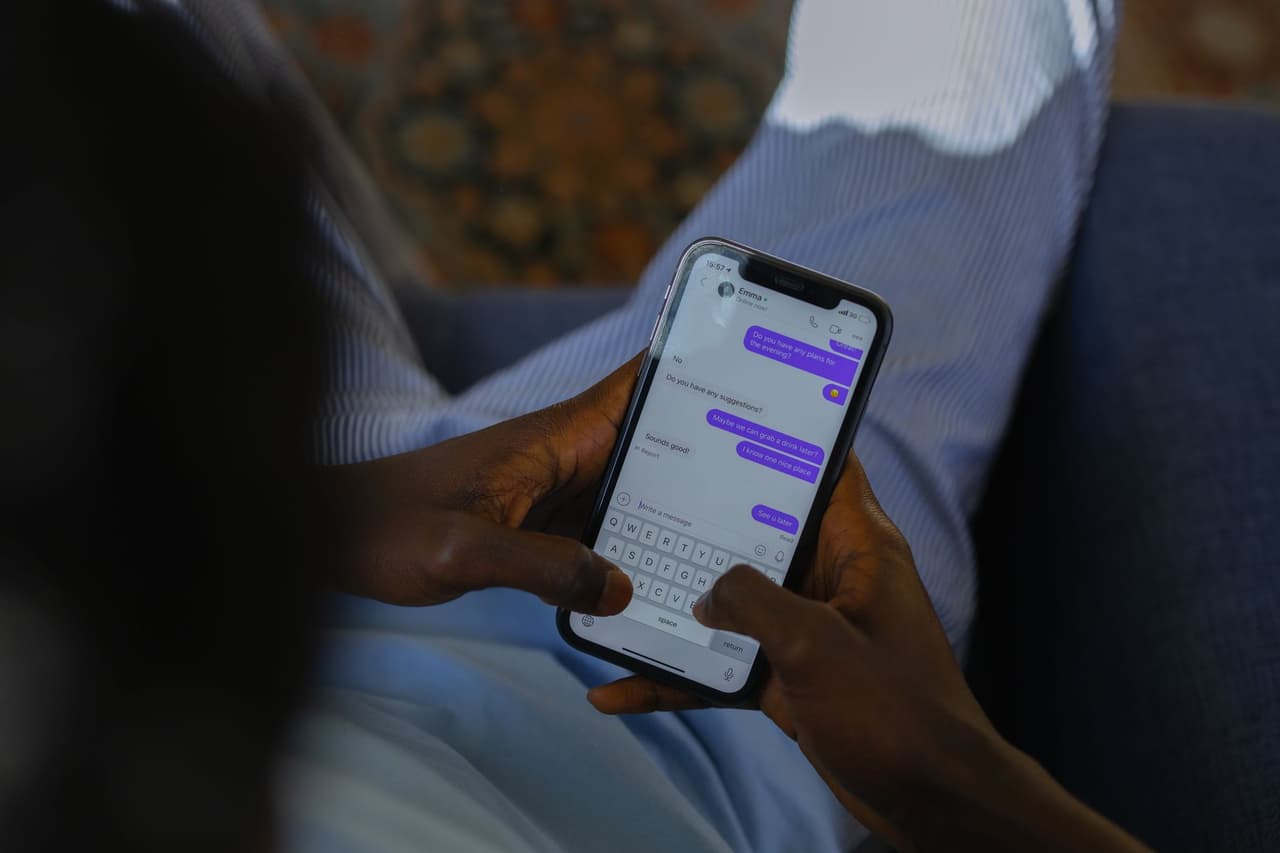
It's easier to picture what a WhatsApp chatbot can do for you when you see real examples. Below are seven that actually work — grouped by what they achieve — with what makes each effective and how you'd build your own. The thread running through all of them: the good ones don't just menu customers around, they resolve the task.
1. The appointment-booking bot
Use case: salons, clinics, tutors, trades. What it does: a customer messages "can I get a cut and colour Friday afternoon?" (typed or as a voice note); the bot checks availability, offers slots, confirms the booking into the calendar, and sends a reminder. Why it works: it handles the entire task — from request to confirmed, reminded appointment — without a human, 24/7. See WhatsApp appointment booking.
2. The FAQ / customer-service bot
Use case: any business fielding repetitive questions. What it does: answers "are you open now?", "how much is X?", "where are you?", "do you deliver?" instantly, from your own information, in any language. Why it works: it removes the single biggest time drain — the same handful of questions asked endlessly — while giving customers instant answers at any hour.
3. The order-taking bot
Use case: restaurants, shops, food businesses. What it does: shares the menu or catalog, takes the order in chat, confirms items and total, and sends a payment link. Why it works: it turns a conversation into a completed sale without a staff member, even during a rush or after hours. See WhatsApp ordering for restaurants.
4. The lead-qualification bot
Use case: real estate, car dealers, services, agencies. What it does: greets a new enquiry, asks the qualifying questions (budget, need, timeline, location), captures the answers, and hands a qualified lead to the team. Why it works: it responds instantly (winning the lead) and does the qualifying groundwork automatically, so humans spend time only on serious prospects. See WhatsApp lead generation.
5. The reminder & notifications bot
Use case: appointment businesses, e-commerce, services. What it does: sends appointment reminders, order and delivery updates, and confirmations via approved templates — and handles the replies ("reschedule to 4pm"). Why it works: it cuts no-shows and "where's my order?" tickets, and because customers can reply, it turns a notification into a two-way action. See appointment reminders.
6. The product-recommendation bot
Use case: e-commerce, retail. What it does: a shopper describes what they want ("something warm for winter under $50") and the bot recommends matching products from the catalog, with photos and prices. Why it works: it acts like a personal shopper who never sleeps, turning browsing into buying by removing choice paralysis. See WhatsApp for e-commerce.
7. The multilingual concierge bot
Use case: hotels, travel, tourist-area businesses. What it does: answers guest and traveller questions 24/7 in whatever language they message, handles requests, and escalates urgent issues. Why it works: it delivers instant, in-language service across time zones without a multilingual team — a major advantage for global-facing businesses. See WhatsApp for hotels.
What the best examples have in common
Notice the pattern across all seven:
- They resolve the task, not just present a menu. A bot that answers "press 1 for hours" frustrates; one that actually books, orders, or answers delights.
- They understand natural language and voice — customers talk however they want, not in rigid commands.
- They work 24/7 — capturing the after-hours demand humans miss.
- They hand off to a person when needed.
That's the difference between a modern AI chatbot and an old rule-based menu bot. The examples that "actually work" are AI-powered — see our AI WhatsApp assistant guide for why.
How to build one
You don't need code. Use a no-code AI platform: connect your WhatsApp Business number, enter your business information (services, prices, hours, FAQs, booking links), set your tone, and go live — often the same day. The AI adapts to real questions automatically, so you're not scripting every path. Full walk-through in how to build a WhatsApp chatbot without code.
The takeaway
The best WhatsApp chatbot examples — booking, FAQs, orders, lead qualification, reminders, recommendations, and multilingual concierge — all share one trait: they resolve the task instead of pushing customers through a menu. That's what modern AI chatbots do, understanding natural language and voice, working 24/7, and handing off when needed. Pick the example closest to your business and build it, no code required. Try ChatMunshi free and put a WhatsApp chatbot that actually works on your number.
Frequently asked questions
What can a WhatsApp chatbot do?
A WhatsApp chatbot can answer FAQs, book appointments, take orders, qualify leads, send reminders and updates, recommend products, and provide 24/7 support — all inside a WhatsApp chat. Modern AI chatbots understand natural language and voice notes, so they handle questions you never explicitly scripted.
What is a good example of a WhatsApp chatbot?
A strong example is an appointment-booking bot for a salon or clinic: it reads the customer's request (even a voice note), offers open slots, confirms the booking into a calendar, and sends a reminder — all automatically, 24/7. It resolves the whole task without a human, which is what separates a useful bot from a menu that frustrates.
Do WhatsApp chatbots use AI?
They can. Older rule-based bots follow fixed button menus, while modern AI chatbots understand natural language and voice, answering flexibly from your business information. AI chatbots handle real conversations far better because they aren't limited to pre-scripted paths.
How do I build a WhatsApp chatbot like these examples?
Use a no-code AI chatbot platform: connect your WhatsApp Business number, enter your business information (services, prices, hours, FAQs, booking links), set your tone, and go live — often the same day. No coding is required, and an AI chatbot adapts to real questions automatically.