35 WhatsApp Away Message Examples You Can Copy and Paste
Part of WhatsApp for Business: The Complete Guide
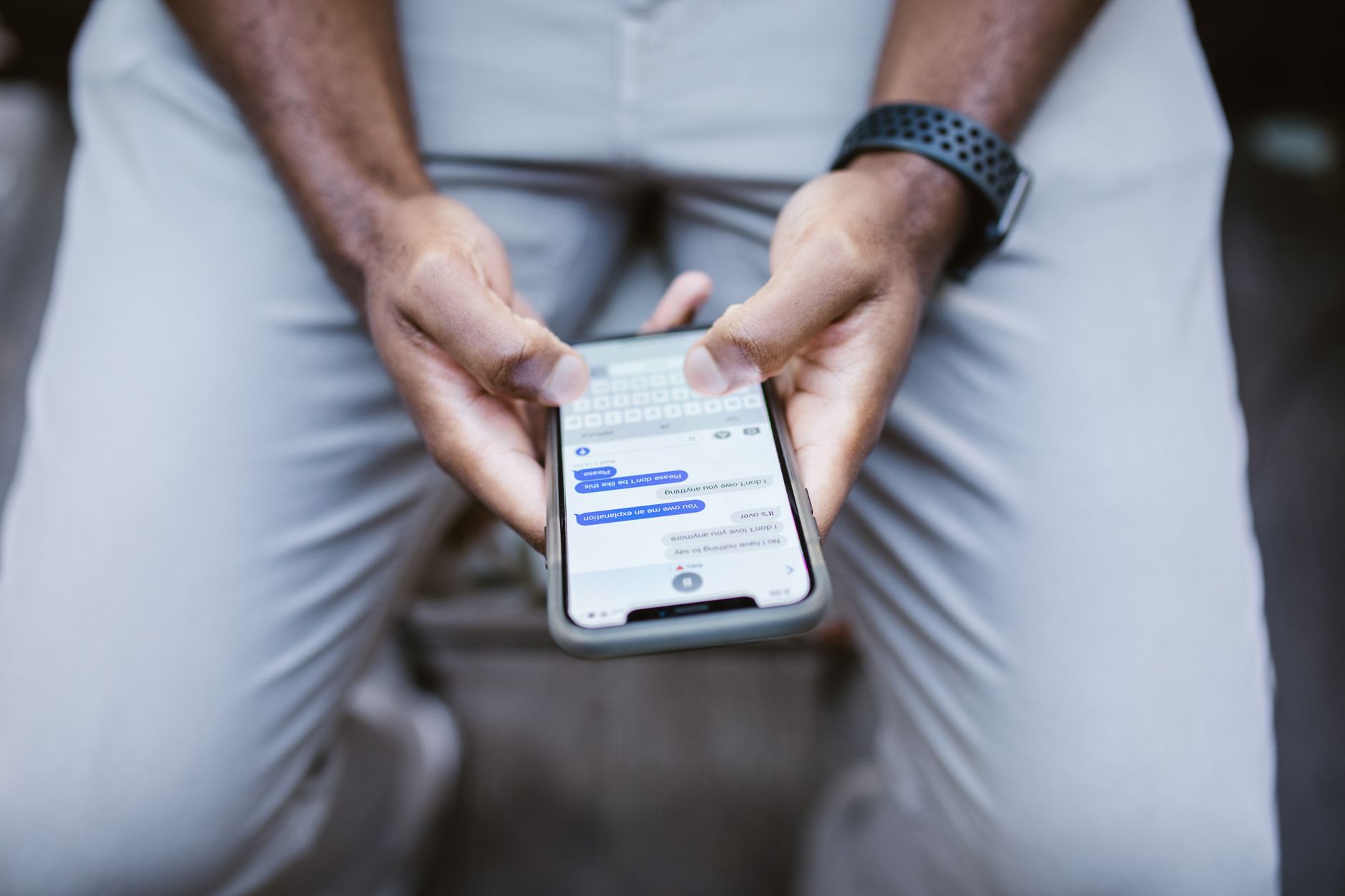
A missed message is a missed customer. Studies of buyer behaviour keep finding the same thing: people message two or three businesses at once and buy from whoever replies first. If you are asleep, closed, or slammed, a good WhatsApp away message keeps you in the game — it tells the customer you exist, you care, and you will be back.
Below are 35 away message examples you can copy and paste right now, grouped by situation. Further down, we show how to set them up in 60 seconds — and the one big thing a canned away message still can't do.
After-hours away messages
Use these when you are closed for the night and will reply in the morning.
- "Thanks for messaging us! 🌙 We're closed right now but we'll reply first thing tomorrow morning. In the meantime, you can browse everything at [yourwebsite.com]."
- "Hi! We've received your message. Our team is offline until 9am — we'll get back to you as soon as we open. Thanks for your patience!"
- "We're currently closed for the day. Leave your question here and we'll reply the moment we're back at 8:30am. 😊"
- "Thanks for reaching out! It's after hours, so we'll respond tomorrow. For urgent matters, please call [phone number]."
- "🌙 We're resting up so we can help you better tomorrow. Send your details now and we'll reply first thing in the morning."
Weekend away messages
- "Thanks for your message! We're closed for the weekend and will reply on Monday. You can still book online anytime at [link]."
- "Happy weekend! 🎉 Our team is off until Monday morning. Drop your question and we'll get right back to you then."
- "We're enjoying the weekend with our families. We'll respond to your message first thing Monday. Thanks for understanding!"
- "Hi there! We reply Monday–Friday. Your message is safe with us and we'll answer as soon as the week starts. 🙌"
Holiday and vacation away messages
- "Season's greetings! 🎄 We're closed for the holidays until [date]. We'll reply to your message as soon as we're back. Wishing you a wonderful break!"
- "Thanks for messaging! We're on holiday until [date] and replies may be slow. For anything urgent, email [email]."
- "We're currently closed for [holiday] 🎊 and will reopen on [date]. We'll answer your message the moment we return."
- "Our shop is taking a short break until [date] to recharge. We can't wait to help you when we're back — thanks for your patience!"
- "🌴 We're away on annual leave until [date]. Your message is important to us and we'll respond as soon as we return."
Busy / high-volume away messages
- "Thanks for your message! We're getting a lot of enquiries right now, so replies may take a little longer than usual. We'll be with you shortly. 🙏"
- "You've reached us during a busy spell! We read every message and will reply in order — thanks for hanging in there."
- "We're helping other customers at the moment. Leave your question and we'll get back to you within [X hours]."
- "High demand today! 🚀 We'll answer as fast as we can. Meanwhile, most answers are already on our FAQ page: [link]."
Lunch break / short absence
- "We've stepped out for a short break and will be back at [time]. Drop your message and we'll reply as soon as we return!"
- "Quick lunch break! 🍽️ We'll be back at [time] and will answer your message right after."
- "We're briefly away from the phone. Send your details and we'll respond within the hour."
Restaurant and food away messages
- "Thanks for messaging [Restaurant]! We're closed now but taking bookings for tomorrow. Reply with your date, time, and party size and we'll confirm when we open. 🍽️"
- "Kitchen's closed for tonight! 🌙 For reservations or orders, message us and we'll sort you out first thing tomorrow. Menu here: [link]."
- "We're fully booked for service right now. Leave your booking request and we'll confirm your table shortly!"
Salon, clinic, and appointment-based away messages
- "Thanks for reaching out to [Salon]! We're with clients right now. Reply with the service you want and your preferred day, and we'll confirm your slot soon. 💇"
- "We're currently in appointments and will reply between clients. To book faster, tell us the treatment and day you'd like."
- "Our clinic is closed until [time]. For appointment requests, leave your details and we'll get you booked in as soon as we're back."
E-commerce and online store away messages
- "Thanks for shopping with us! 🛍️ Our support team replies Mon–Fri, 9am–6pm. Order updates are always in your account at [link]."
- "We've got your message! For order status, tracking, and returns, visit [link] — otherwise we'll reply within one business day."
- "Hi! Support is offline right now but we'll answer your message tomorrow. Most questions are answered instantly on our help page: [link]."
Short and simple away messages
- "Thanks! We're away right now but we'll reply soon. 🙌"
- "Got your message — we'll be in touch shortly!"
- "We're currently unavailable but we'll respond as soon as we can. Thank you for your patience."
- "Message received! We'll get back to you within [X hours]."
- "Thanks for reaching out. We'll reply the moment we're back online. 😊"
How to set your away message in WhatsApp Business
- Open WhatsApp Business and go to Settings → Business tools → Away message.
- Toggle Send away message on.
- Paste one of the examples above and swap in your details.
- Pick a schedule: Always send, Custom schedule (e.g. 6pm–9am), or Outside of business hours.
- Choose your recipients, then tap Save.
Two things trip people up: the away message sends only once per contact per session, and it won't fire if you've already replied in that chat. If yours seems broken, check the schedule and those two rules first. (We cover greetings in our WhatsApp greeting message examples guide, and the full setup in how to set up auto-reply.)
The one thing every away message can't do
Read them all again and you'll notice the same limitation: not one of them actually answers the question. The customer asked "how much?" or "are you open Friday?" — and got "we'll get back to you." They still have to wait, and many still leave.
That's the ceiling of a canned away message. The next step up is an AI auto-reply that reads each message — even a voice note — understands it, and replies with the real answer from your prices, hours, and services, 24/7, in the customer's language. Instead of "we'll reply tomorrow," the customer hears "A cut and blow-dry is $25 — want me to book you in for Friday at 3pm?"
That's the difference between holding a customer's place in line and actually serving them. If after-hours messages are quietly costing you bookings, see how an AI WhatsApp assistant turns your away message into a real front desk — or try ChatMunshi free on your existing WhatsApp number.
The takeaway
Copy the away message that fits your situation, set a clear expectation, and always give the customer a next step. It takes two minutes and instantly makes you look more professional than every business that leaves people on read. Just remember what it can't do — and when missed replies start costing real money, upgrade from acknowledging customers to answering them.
Frequently asked questions
What is a good WhatsApp away message?
A good away message does three things: it confirms the customer's message was received, it sets a clear expectation for when you will reply, and it points them to a self-serve option like your website, menu, or booking link. Keep it to two sentences and sound human.
How do I set an away message on WhatsApp Business?
Open WhatsApp Business → Settings → Business tools → Away message, toggle it on, paste your text, choose a schedule (always, custom hours, or outside business hours), set the recipients, and tap Save.
Can I schedule different away messages for different times?
The native WhatsApp Business app only stores one away message at a time, so you cannot rotate messages automatically for holidays vs. nights. To send context-aware replies you need an AI receptionist or the WhatsApp Business API.
Why send an away message at all?
Because most customers message several businesses at once and go with whoever answers first. An away message keeps you in the running by acknowledging them instantly instead of leaving them on read.