How to Use Two WhatsApp Accounts on One Phone (2026)
Part of WhatsApp for Business: The Complete Guide
Giving out your personal WhatsApp for business gets messy fast — customer messages tangled with family chats, and no professional tools. The fix is running two WhatsApp accounts on one phone: personal and business, cleanly separated. There are several ways to do it. Here's each one, and which to choose.
The cleanest way: the two apps
The simplest, most reliable method uses two different apps with two different numbers:
- Regular WhatsApp with your personal number.
- WhatsApp Business with your business number.
Because they're separate apps, both install and run on the same phone at once, with no tricks. This is the recommended approach for any business, because WhatsApp Business also gives you a business profile, catalog, and auto-replies — see WhatsApp Business vs regular WhatsApp. You just need a second number to verify (a second SIM, an eSIM, or a virtual number).
Using dual SIM
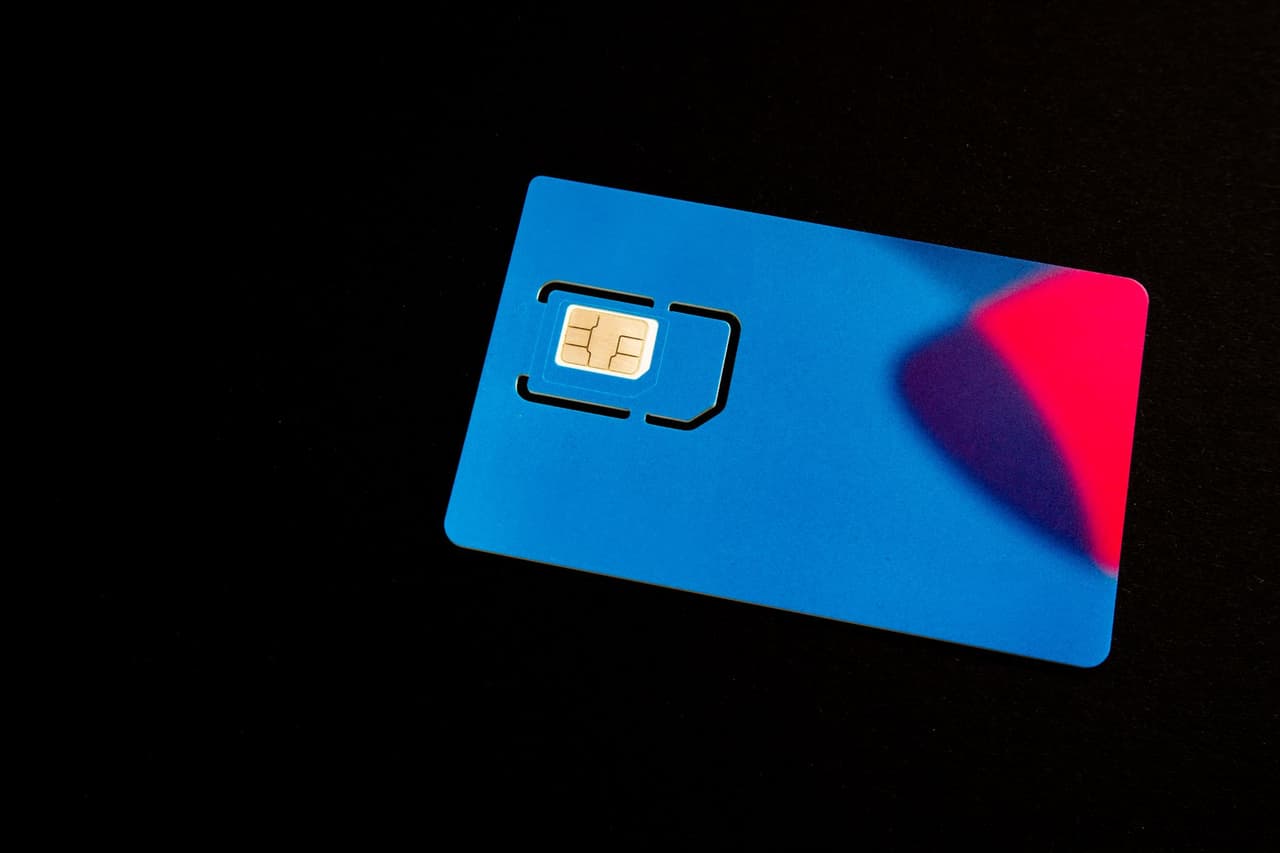
If your phone has dual-SIM support (two physical SIMs, or one SIM plus an eSIM), you can keep both numbers on the device and run one number on each WhatsApp app. This is convenient because both numbers live on the same phone with signal — handy for calls and texts too. But note: dual SIM just gives you two numbers; you still typically use the two different apps to run two WhatsApp accounts.
WhatsApp's built-in second account
WhatsApp has rolled out a built-in second-account feature (availability varies by device and version) that lets you add a second account within the same app and switch between them — no cloning needed. If your app has it, you'll find it in Settings by tapping your account/profile area to add another account. It's a clean, official option where available.
App cloning (Android)
Many Android phones include an app-cloning / dual-apps feature (sometimes called Dual Messenger, App Twin, or Parallel Apps) that creates a second copy of an app. You can clone WhatsApp to run a second number. It works, but for business use the two-apps method (regular + Business) is better, because you get the actual business tools rather than a second personal app.
Which method should you use?
| You want... | Best method |
|---|---|
| Personal + business, properly separated | Regular WhatsApp + WhatsApp Business app |
| Two numbers on one device with signal | Dual SIM (still use the two apps) |
| Two accounts in one app, officially | WhatsApp's built-in second account (where available) |
| A quick second personal account | App cloning (Android) |
For a business, the answer is almost always regular WhatsApp for personal + the WhatsApp Business app for work. It's clean, official, and unlocks the professional features. Get started with our setup guide.
Beyond two accounts: sharing with a team
Running two accounts on your phone solves the personal-vs-business split for one person. If your issue is instead that several people need to answer the same business number, that's a different feature — see WhatsApp Business with multiple users. And if you want your business number to answer customers even when nobody's holding the phone, an AI receptionist handles that automatically, 24/7.
The takeaway
You can absolutely run two WhatsApp accounts on one phone: the cleanest way is regular WhatsApp for your personal number and the WhatsApp Business app for your business number, since they're separate apps. Dual SIM, WhatsApp's built-in second account, and app cloning are alternatives, but for business the two-apps method wins because you gain the professional tools. Keep work and personal separate — and when you're ready, let an AI receptionist answer the business number for you. Try ChatMunshi free.
Frequently asked questions
Can I have two WhatsApp accounts on one phone?
Yes. The easiest way is to run the regular WhatsApp app with one number and the WhatsApp Business app with a second number. You can also use a phone's dual-SIM support, an app-cloning feature, or WhatsApp's own built-in second-account option (where available) to run two accounts on a single device.
How do I run WhatsApp Business and personal WhatsApp together?
Install the regular WhatsApp app for your personal number and the separate WhatsApp Business app for your business number. They're different apps, so both can run on the same phone at once — keeping work and personal chats cleanly separated.
Do I need two SIM cards for two WhatsApp accounts?
Not necessarily. You need two phone numbers, but the second number can be an eSIM, a virtual number, or any number that can receive the verification code. Dual SIM makes it convenient, but it isn't strictly required as long as you can verify the second number.
Is it better to use WhatsApp Business for a second account?
Yes. If the second account is for your business, use the WhatsApp Business app rather than a cloned regular app — you get the business profile, catalog, and auto-replies, and it keeps work properly separate from personal messaging.